

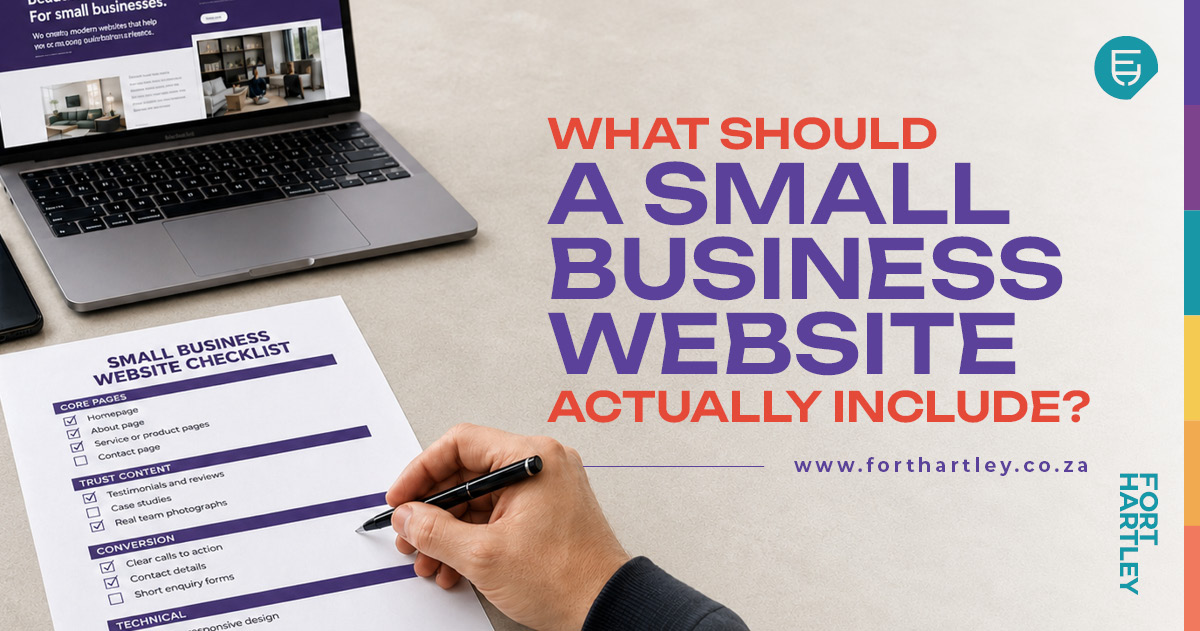
What Should a Small Business Website Actually Include?
What should a small business website include? Use this practical checklist to plan the right pages, trust signals, contact details, technical foundations and customer actions.
Categories:
Date Posted:
August 4, 2026

A small business website needs more than a homepage, a logo and a contact number tucked away in the footer. Even a modest website must answer a few important questions quickly: Who are you? What do you offer? Who is it for? Why should someone trust you, and what should they do next?
This small business website checklist explains the pages, content and features that help visitors find answers and take action. It is written for South African business owners who need a new website or suspect that their current one is not doing enough. The aim is not to add pages for the sake of appearances, but to create a useful digital presence that supports real business goals.
A website is often the first proper interaction a potential customer has with a company. Before calling, visiting a shop or requesting a quotation, that person may check the website to decide whether the business appears credible and suitable. If the site is vague, outdated or difficult to use, the customer may leave without saying why.

Start with a homepage that explains the business clearly
The top section of the homepage should help a visitor understand the business within a few moments. It should state what the company does, who it serves and where it operates when location matters. It should also provide a clear primary action, such as requesting a quotation, booking an appointment or browsing products.
Supporting photographs or graphics should feel relevant to the brand and the work being offered. A Cape Town building contractor, for example, will usually benefit more from photographs of genuine projects than generic images of people in hard hats pointing at a clipboard. Authentic imagery helps customers picture the business, its people and the quality of its work.
Vague headlines such as “Welcome to Our Website” waste the most valuable space on the page. “Your Partner in Excellence” sounds impressive until the visitor realises it could describe an accountant, a plumber or a supplier of office chairs. A strong homepage introduction should favour clarity over cleverness.
H3: Weak and improved homepage examples
Consider a fictional Johannesburg solar installation company. A weak introduction might read: “Welcome to Bright Future Solutions. We are passionate about excellence and customer satisfaction.” It does not explain what the company installs, who it serves or where it works.
A clearer version could read: “Solar power systems for Johannesburg homes and small businesses. We design and install practical solar and backup power solutions based on your property and energy needs. Request an installation assessment.” The improved version provides context, identifies the market and gives the visitor a sensible next step.
The same principle applies to professional services. “Empowering your financial journey” tells a prospective client very little, while “Bookkeeping and monthly management accounts for growing Durban businesses” is specific and useful. Customers should not have to solve a riddle before deciding whether to contact you.
Give each important service its own space
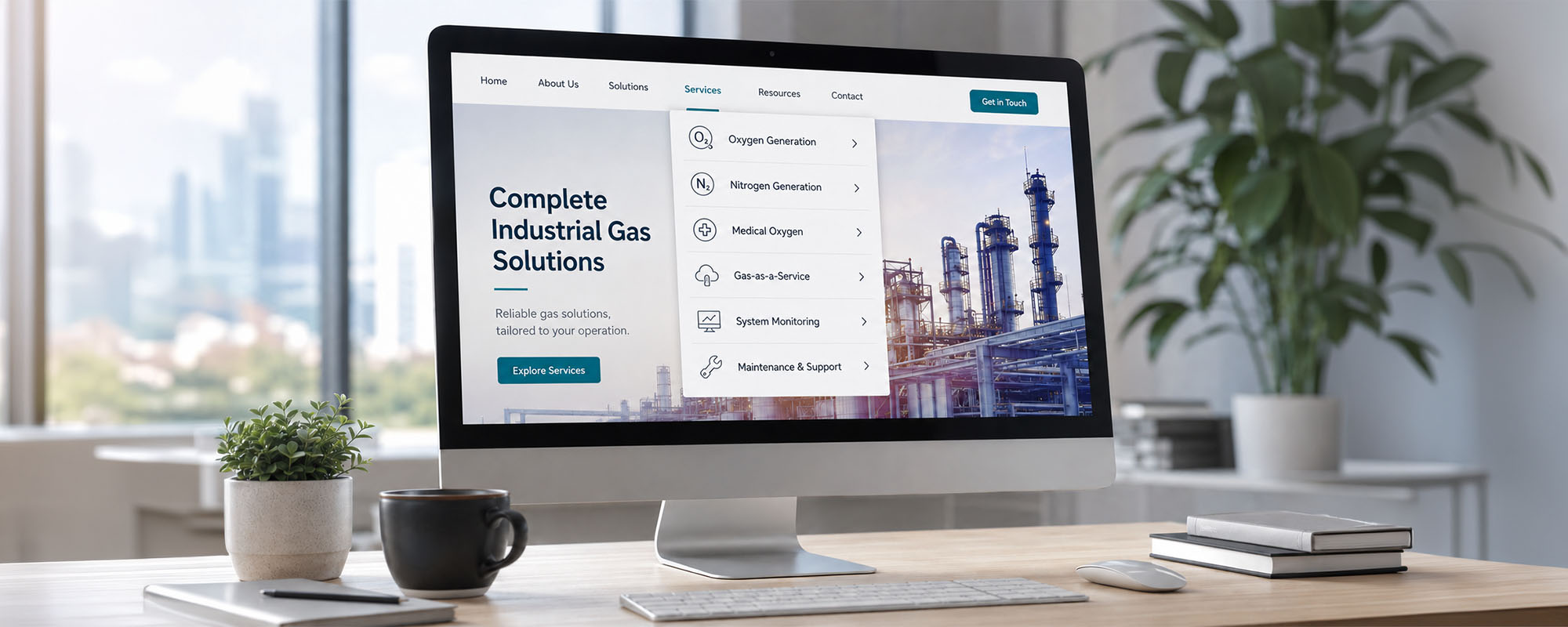
Many small business websites place every service in one short paragraph. This may keep the website compact, but it often leaves visitors with more questions than answers. A customer looking for commercial electrical maintenance needs information that differs from what someone needs for a residential rewiring project.
A dedicated page for each major service or product category allows the business to explain what is included, who it suits and how the process works. These pages can answer common concerns, show relevant projects and direct visitors towards the correct enquiry form. They also give sales teams useful links to share with prospects instead of sending everyone to a general homepage.
Separate service pages help search engines understand the subjects covered by the website. A small business web design company in South Africa, for example, may have distinct pages for e-commerce development, website maintenance and copywriting. Each page can address a specific need naturally without forcing every possible search phrase into one block of text.
This does not mean a small company needs dozens of shallow pages. Three detailed, genuinely useful service pages are usually more valuable than twenty pages containing a heading and two vague sentences. The right structure depends on what the company sells and how customers search for it.

Your About page should build trust
Customers often visit the About page shortly before making contact. They may want to know whether the company has relevant experience, whether there are real people behind the website and whether its approach suits them. This is especially important when the purchase involves a large budget, access to a property or an ongoing professional relationship.
A useful About page should explain who runs the business, why it exists and how it approaches its work. It can introduce the people customers may deal with and include real photographs where possible. Relevant experience, qualifications, memberships and certifications can be included, but every claim must be accurate and current.
The page should not read like an internal company timeline unless that history gives customers a reason to care. A paragraph about three office moves is less useful than an explanation of how the team manages projects or communicates with clients. Specific details are more believable than repeated claims about passion, commitment and excellence.
For a family-owned retailer, trust may come from local knowledge and direct involvement in customer service. For a consultant, it may come from relevant experience and a clearly explained working process. For a trade business, licences, workmanship examples and the names of team members may matter most.
Make it incredibly easy to contact the business
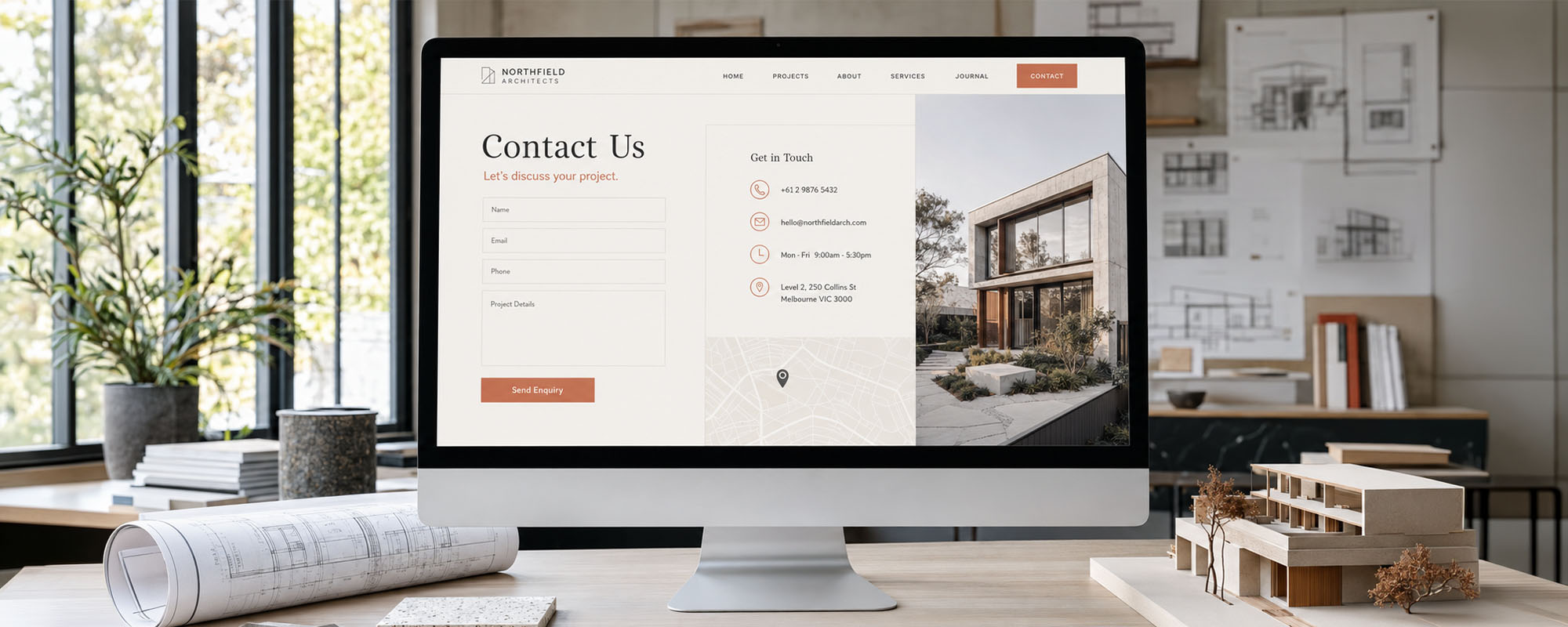
A strong Contact page should include the business telephone number, email address or contact form, and physical address when applicable. Trading hours, service areas and expected response times also help customers choose the right contact method. If the company actively monitors WhatsApp, that can be a convenient addition for South African customers.
A Google Maps location is helpful for shops, showrooms, restaurants, practices and businesses that receive visitors. Companies without customer-facing premises should not publish a residential address simply to fill the space. Instead, they can state the towns, provinces or regions they serve.
Contact details should not appear only on the Contact page. Important details or buttons can also be placed in the header, footer and relevant service pages. A visitor who has just finished reading about a service should not have to search through the entire menu to find a telephone number.
Enquiry forms should request only the information the business genuinely needs to respond. Long forms create extra work for visitors and may discourage a simple initial enquiry. A name, suitable contact detail, service selection and short message are often enough to begin the conversation.
Businesses must also handle personal information responsibly under the Protection of Personal Information Act, commonly known as POPIA. Forms should make it clear why information is being collected, and submissions should be stored and accessed responsibly. Privacy wording and consent requirements should be reviewed for the business’s circumstances, particularly when collecting sensitive information or adding people to marketing lists.
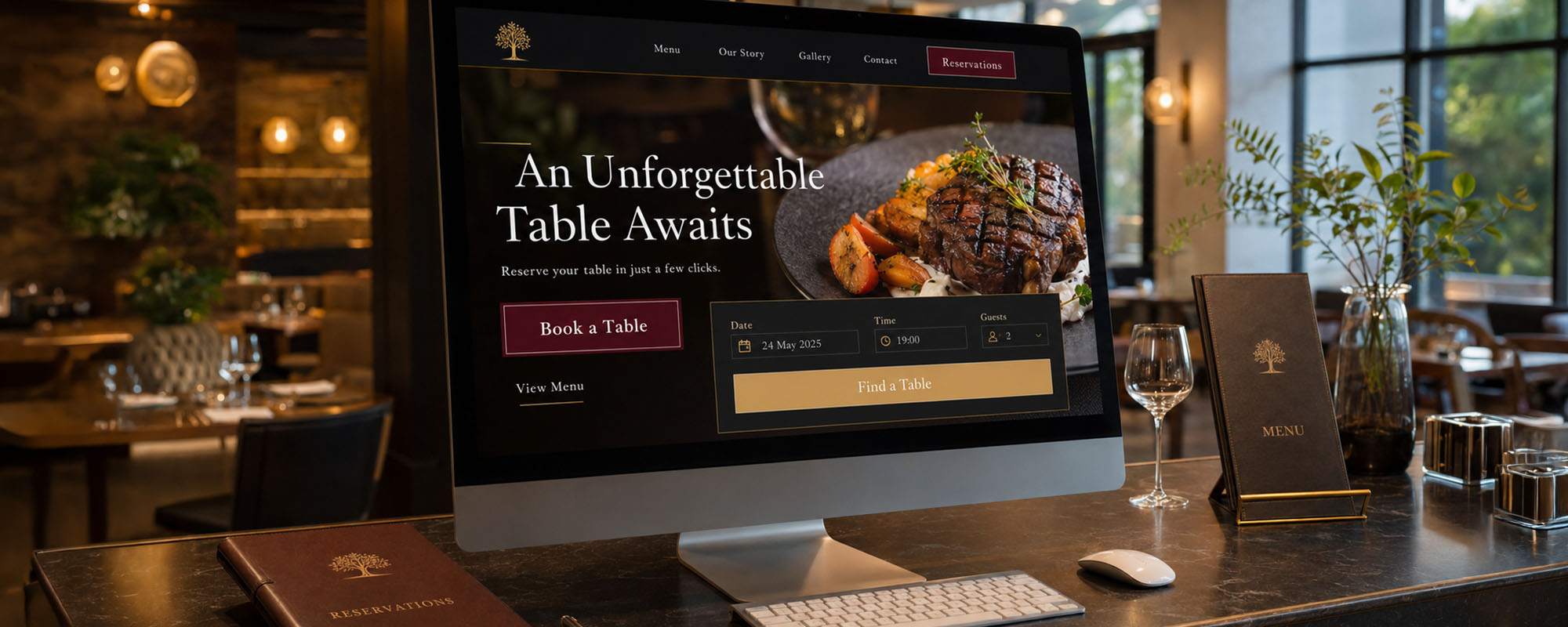
Every important page needs a clear next step
A call to action is simply an instruction that tells the visitor what to do next. It can appear as a button, link or short invitation near relevant content. The correct action depends on the business model and where the customer is in the buying process.
A plumber may use “Request a call-out”, while an interior designer may prefer “Book an initial consultation”. An online retailer needs clear purchase actions, and a restaurant may direct visitors to make a reservation. A showroom can invite customers to get directions, while a consultant may offer a useful guide before asking for a meeting.
- Common calls to action include:
- Request a quotation
- Book a consultation
- Call the team
- Send a WhatsApp message
- Buy online
- Visit the showroom
- Download a guide
- Make a reservation
“Learn More” can be useful, but it is not always the clearest instruction. “View our commercial cleaning services” tells the customer where the button leads, while “Book a site assessment” explains what will happen next. Clear wording reduces uncertainty and helps people move through the website confidently.
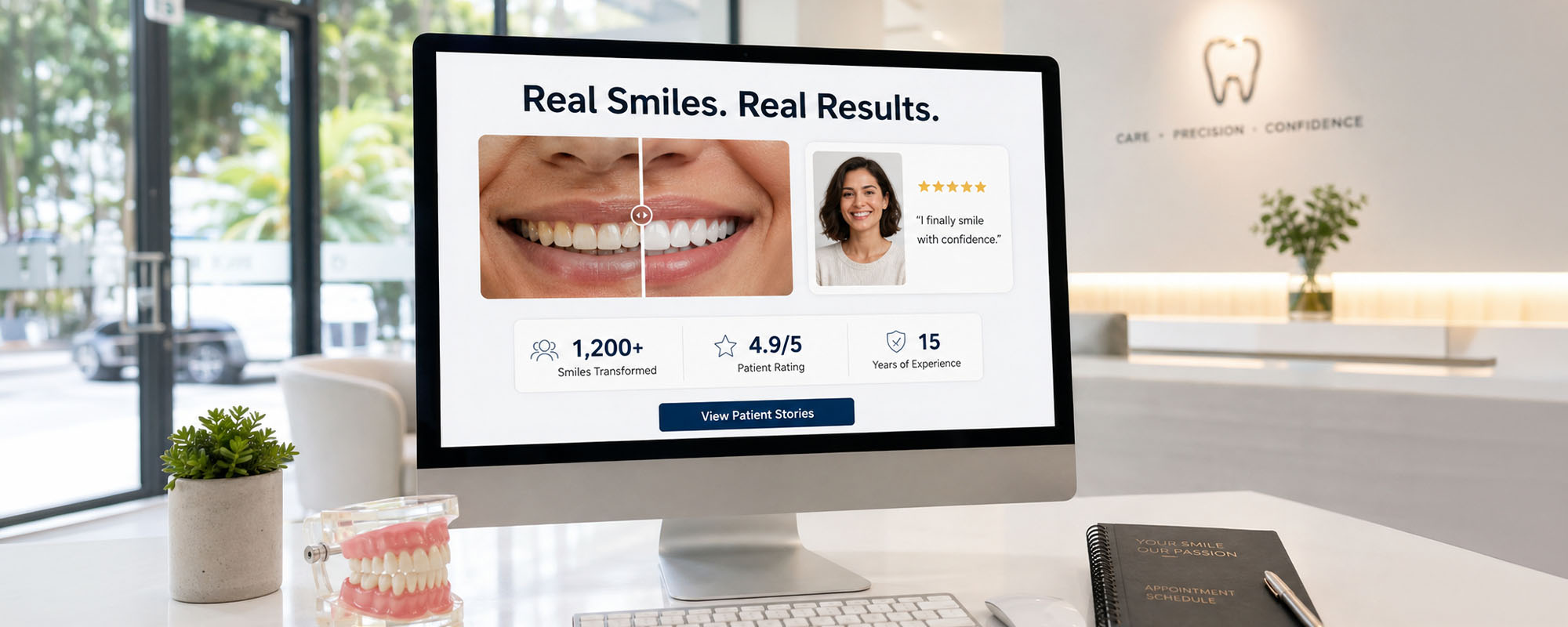
Add proof that real customers trust you
A business can describe itself as reliable, experienced and customer-focused, but visitors will still look for evidence. Trust signals provide reassurance that the company has delivered real work for real customers. The right evidence will vary according to the industry and the type of purchase.
Useful trust content can include:
– Customer reviews and detailed testimonials
– Case studies explaining the challenge, work and outcome
– Before-and-after examples
– Photographs of completed projects
– Client logos used with permission
– Relevant industry accreditations
– Genuine awards
– Secure payment indicators
– Clearly explained guarantees or warranties
– Accurate years-of-experience claims
Proof should be specific, genuine and published with the necessary permission. A testimonial with a customer’s name, company and description of the work carries more weight than an anonymous comment saying “Great service!” If confidentiality prevents a name from being shown, the business can explain the customer’s industry and project type without revealing restricted information.
Retailers can feature verified product reviews, while consultants may benefit from detailed case studies. Trades can show project photographs and explain the work completed. Whatever format is used, the evidence should help a prospective customer judge whether the business can meet a similar need.
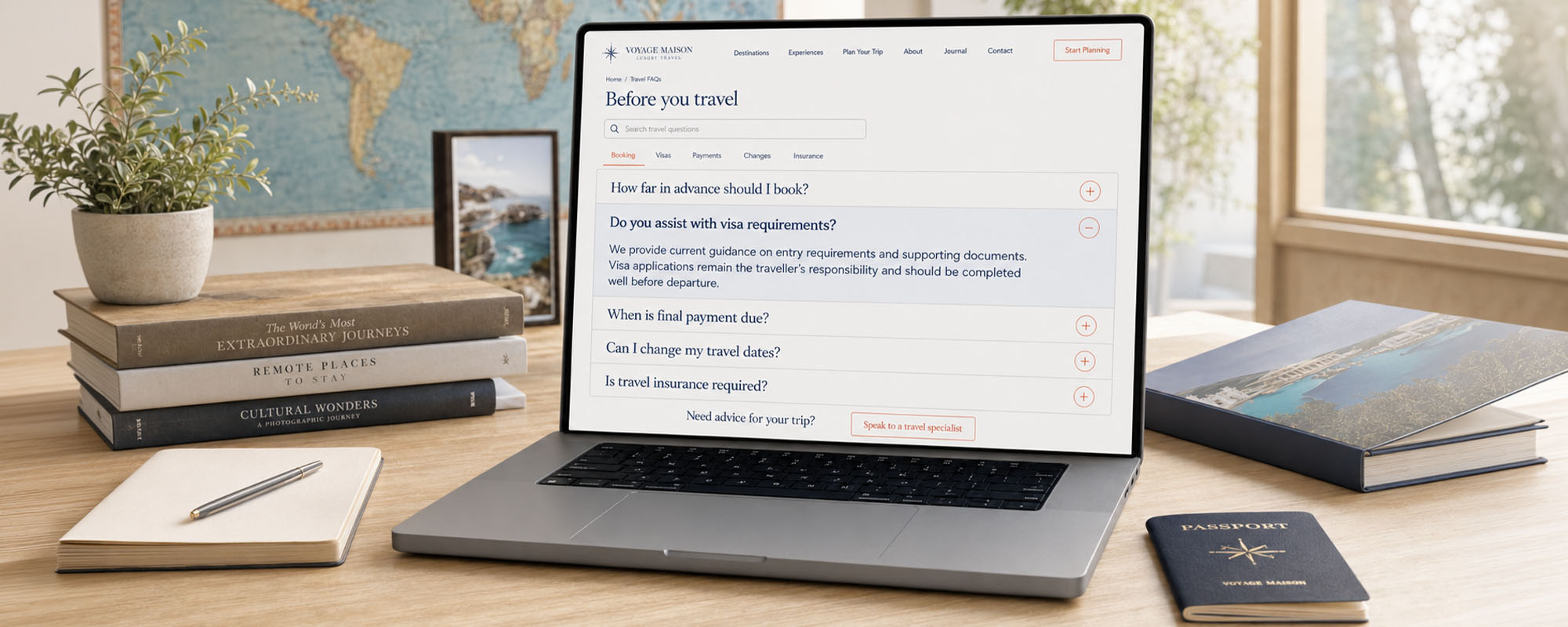
Include an FAQ section that answers real buying questions
Frequently asked questions can reduce uncertainty before a customer gets in touch. They can also save the team from repeatedly answering basic questions by telephone or email. The most useful FAQs come from actual customer conversations rather than a list written solely for search engines.
Questions may cover pricing, service areas, project timeframes, deposits and delivery arrangements. They can explain guarantees, booking procedures, maintenance requirements and what the customer must provide. An FAQ can also describe what happens after an enquiry, which makes the process feel more manageable.
Prices do not always need to be published as fixed figures. If every project is different, the website can explain what affects the cost and what information is required for an estimate. This is more useful than avoiding the subject completely.
Properly implemented FAQ schema can help search platforms and AI systems interpret question-and-answer content. It does not guarantee that the questions will receive a special search display. Clear, accurate answers should remain the priority, regardless of how they may appear elsewhere.
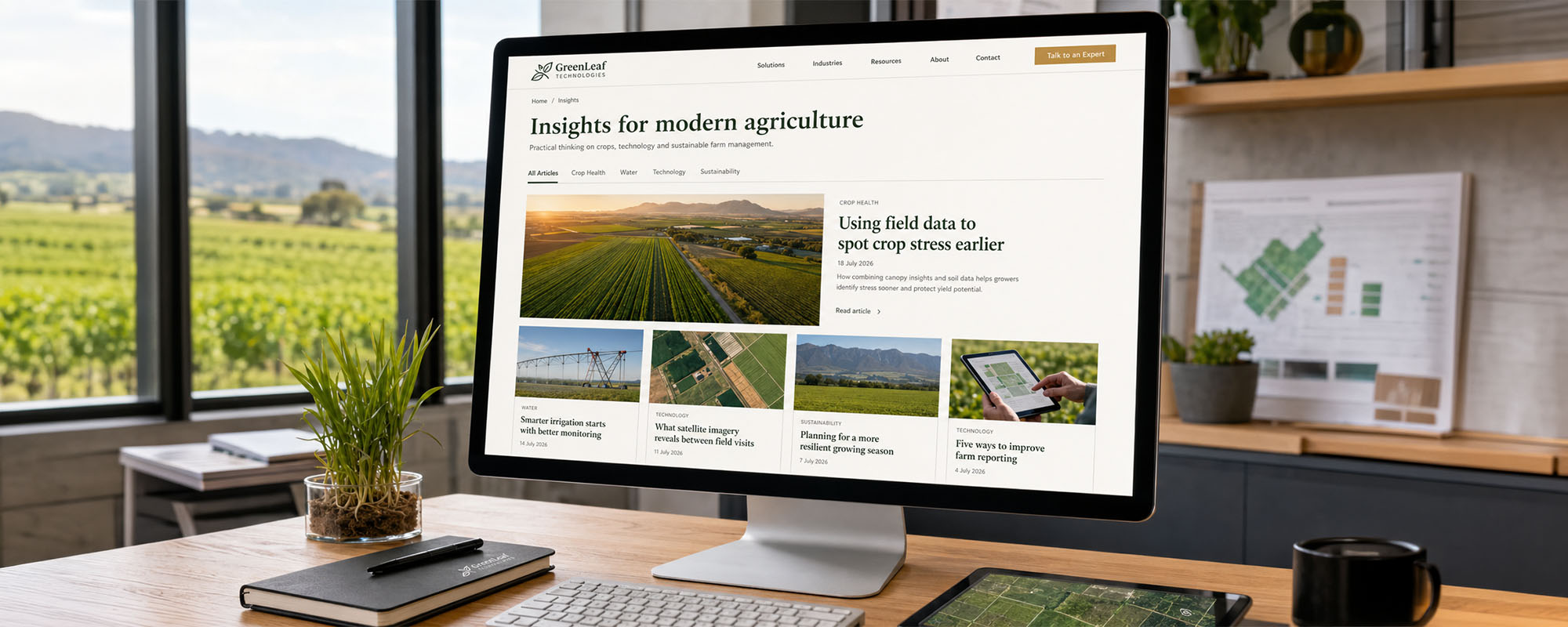
Do you really need a blog?
A blog is worthwhile when the business can publish useful articles that answer customer questions, explain services or share relevant expertise. A garden maintenance company might explain seasonal lawn care in Gauteng, while an accountant could clarify common record-keeping questions for small businesses. Helpful articles can attract relevant visitors and give existing prospects more confidence in the company’s knowledge.
Blog content can support search visibility, customer education and sales conversations. Articles can also be shared through email newsletters and social media or used to answer recurring enquiries. Well-structured content may help search platforms and AI-generated answer systems understand the company’s areas of expertise, although no particular visibility should be guaranteed.
A blog should not be added simply because every website seems to have one. A neglected section filled with old staff announcements and expired promotions can make the entire company appear inactive. If the business cannot maintain frequent publishing, a smaller library of well-written evergreen guides may be the more sensible route.
Do not forget the less glamorous website essentials
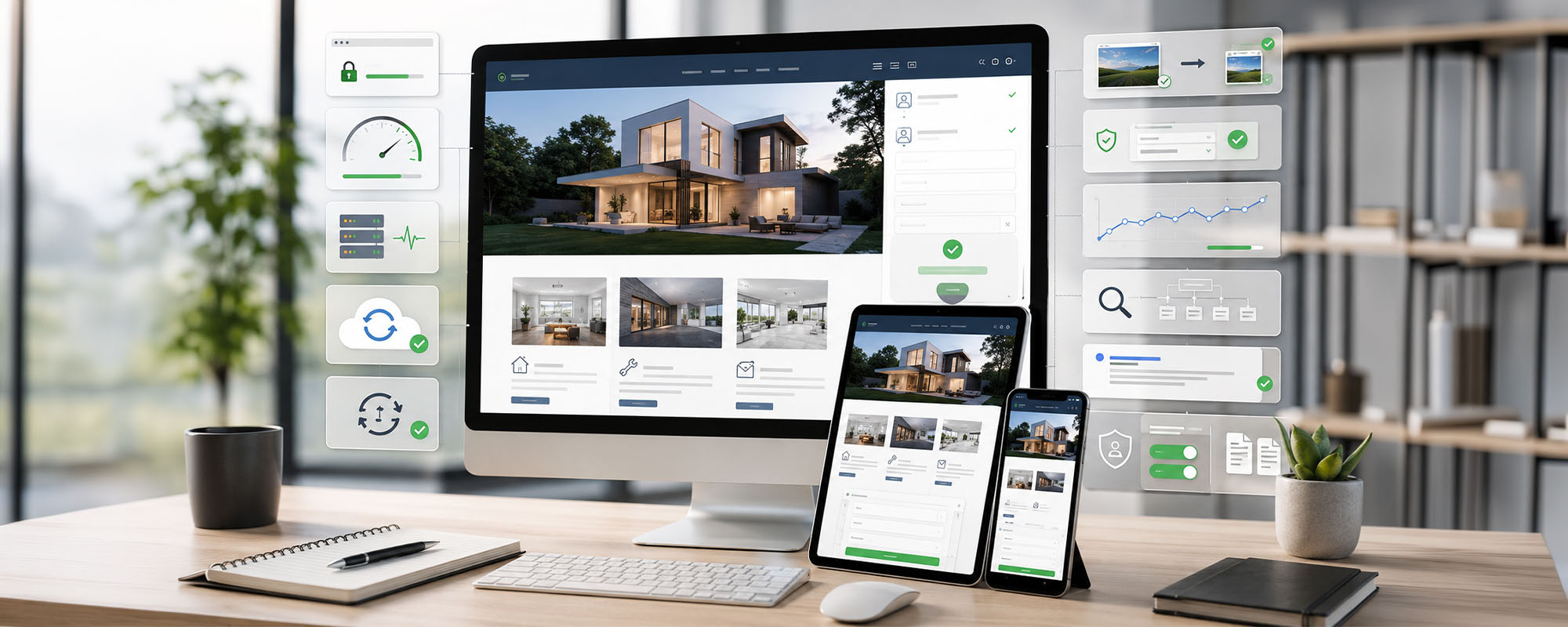
Some of the most important website features for small businesses are barely noticed when they work properly. Customers certainly notice when they do not. A beautiful website that is slow, insecure or broken on a mobile phone will struggle to support the business.
Key technical and administrative foundations include:
- Mobile-responsive design
- Fast loading times
- SSL security
- Reliable website hosting
- Regular website backups
- Software and plugin updates
- Accessible website navigation
- Properly compressed images
- Form spam protection
- Website analytics
- Google Search Console integration
- Search-friendly page titles and descriptions
- Tested and working enquiry or booking forms
- Privacy policy and personal information disclosures
- Cookie notices and consent controls
- Terms and conditions suited to the business’s operations
These items do not need to dominate the customer-facing message, but they cannot be ignored. They protect the website, support discoverability and reduce the risk of missed enquiries. They also require ongoing attention after the site goes live.
What should appear in the website footer?
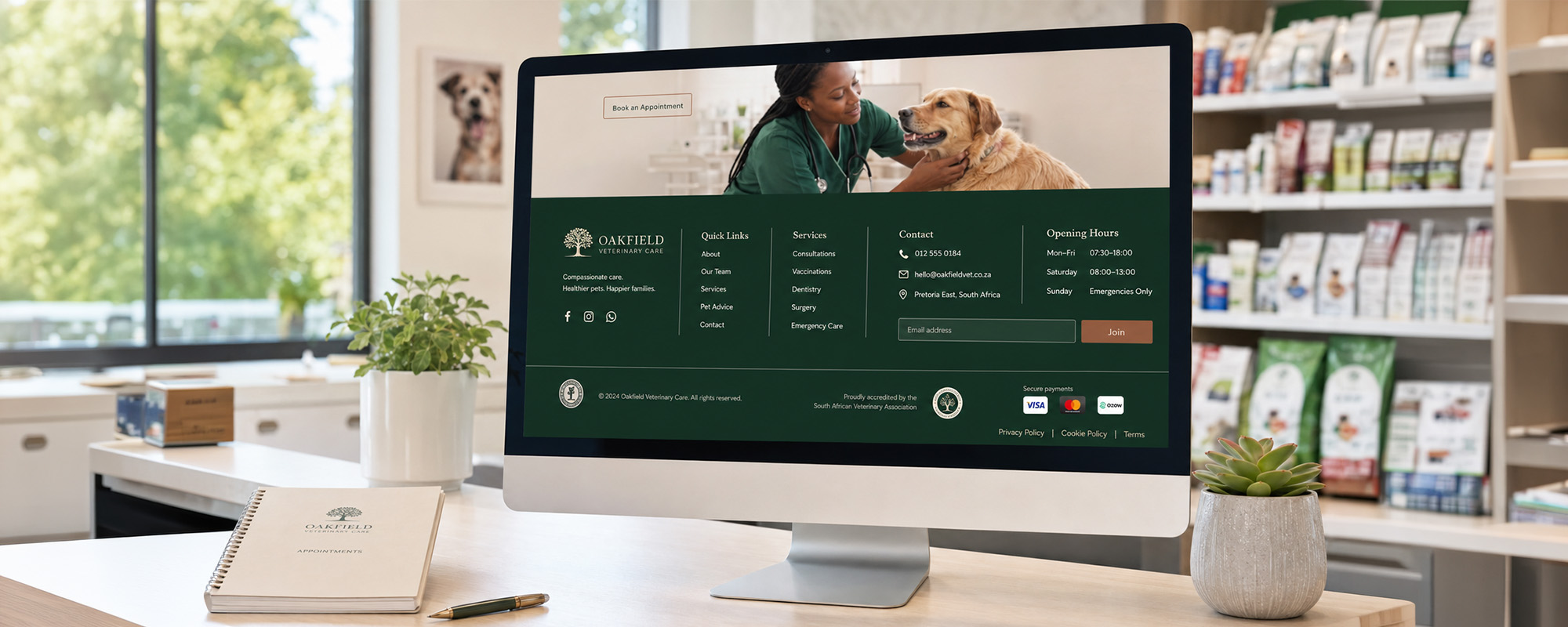
The footer is the information area at the bottom of each page. It gives visitors a dependable place to find details without crowding the main navigation. It is particularly useful for people who have reached the end of a service page and are ready to check contact or legal information.
- A practical footer may include:
- Business name
- Telephone number and email address
- Physical address, where relevant
- Links to important pages
- Social media links
- Privacy policy
- Terms and conditions
- Copyright notice
- Company registration or regulatory details where appropriate
- Newsletter signup, if useful emails are genuinely sent
The footer should remain organised and easy to scan. It is not a dumping ground for every page, award, keyword and social media post the business has ever produced. Clear groups, descriptive link labels and current contact information are more useful than a crowded block of tiny text.
What can a small business website leave out?
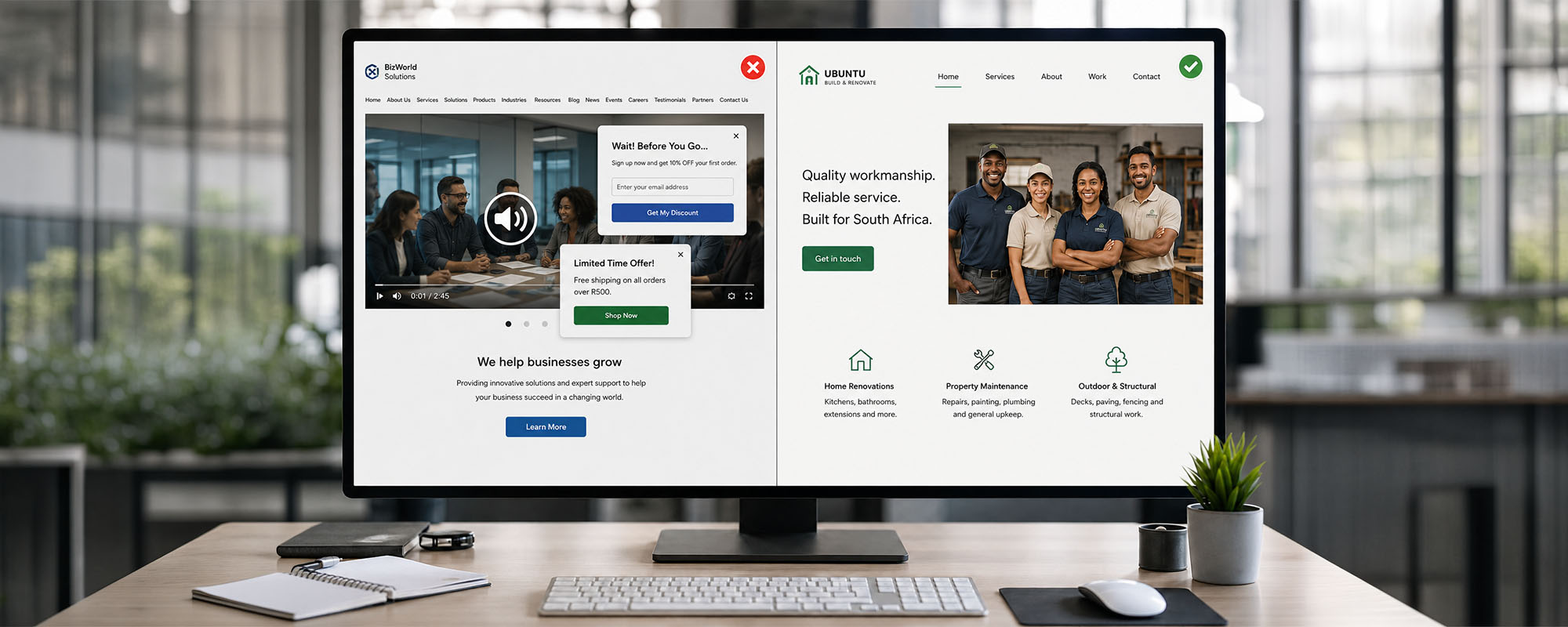
Website projects often gather unnecessary features because someone has seen them on another site. Every page and function should have a clear purpose linked to customer needs or a business process. If nobody can explain why a feature is there, it may not belong on the website.
Automatic music or video can irritate visitors, use mobile data and create accessibility problems. Excessive animation may slow down the site or distract people from the main message. Long homepage sliders also tend to hide important information behind rotating panels that visitors may never wait to see.
Generic stock photography can make a local company feel anonymous, especially when the images bear little resemblance to its team, customers or South African setting. Too many pop-ups interrupt browsing, while empty social media feeds create an impression of neglect. A live-chat button is equally unhelpful if nobody responds.
Complicated menus, jargon-heavy writing and pages created only to make the website appear larger should also be questioned. A five-page website that answers every important customer question can be highly effective. A fifty-page website filled with repetition can make a simple buying decision feel like homework.
A practical small business website checklist
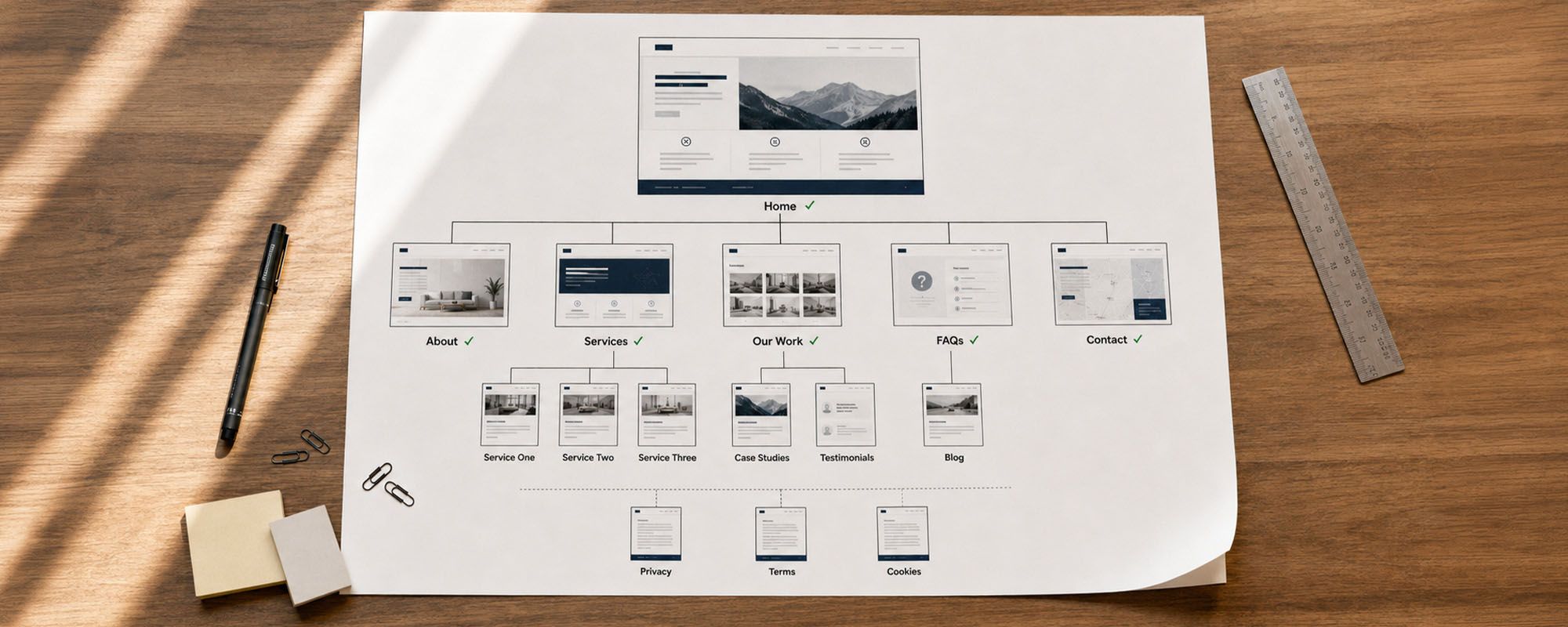
Use this small business website checklist when planning a new site or reviewing an existing one. Not every item will apply to every company, but each should be considered deliberately. The final structure should reflect the business, its customers and the action the website is expected to generate.
Core pages
- Homepage
- About page
- Individual service or product pages
- Contact page
- Privacy policy
- Terms and conditions where necessary
Trust content
- Testimonials and reviews
- Relevant case studies
- Team information and real photographs
- Accurate qualifications and accreditations
- Genuine project or product examples
- Guarantees and warranties where applicable
Conversion elements
- Clear calls to action
- Easy-to-find contact details
- Short enquiry forms
- WhatsApp or booking functions where relevant
- Accurate trading hours
- Clear service areas
- Useful information about what happens next
Technical foundations
- Mobile-responsive design
- Fast page loading
- SSL security
- Reliable hosting
- Regular backups
- Website and software updates
- Analytics and privacy controls
- Google Search Console setup
- Search-friendly page information
- Working forms and notification emails
- Ongoing maintenance
The checklist is not a scorecard where the website with the most ticks automatically wins. A small retailer may need strong product categories, payment information and delivery details, while a consulting firm may need detailed service pages and an easy consultation-booking process. Relevance matters more than volume.

Five frequently asked questions about small business websites
How many pages should a small business website have?
There is no ideal page count for every business. The website needs enough pages to explain the company, its main services or products, its credibility and the next step. A few detailed pages are more useful than many shallow ones.
Does every service need its own page?
Every major service should usually have enough space to answer the customer’s main questions. Related minor services can sometimes be grouped when they serve the same audience and buying need. The structure should remain clear rather than repetitive.
Should a small business publish prices on its website?
Publishing prices can help customers assess affordability and reduce unsuitable enquiries. When prices vary, the website can provide starting points, packages or an explanation of the factors that affect cost. Any figures shown must be accurate and kept current.
Is a one-page website enough for a small business?
A one-page website may suit a very simple business or short-term campaign. It can become restrictive when the company has several services, locations or detailed trust information. Separate pages also provide clearer links for customers and more focused information for search engines.
How often should a business website be updated?
Contact details, prices, hours and service information should be updated whenever they change. Technical components, security measures and backups need regular attention even when the visible content stays the same. Forms, links and key customer journeys should also be tested periodically.
Your website does not need to be enormous, it needs to be useful
A focused, professionally structured website can outperform a much larger but confusing one. The correct structure depends on what the business offers, what customers need to know and which action visitors should take. Reviewing the site from a customer’s perspective often reveals vague explanations, missing proof and unnecessary obstacles.
Return to the small business website checklist and test each important page. Can a new visitor understand the offer, confirm that the business serves their area, find credible evidence and make contact without hunting for details? If not, the answer may be clearer content and better planning rather than more pages.
Fort Hartley Brand Consultants creates custom websites and distinctive brands for South African businesses that want to grow, compete and be remembered. The team can assist with website planning, copywriting, professional website design, custom WordPress development, WooCommerce, hosting, maintenance and ongoing digital support. Contact Fort Hartley to discuss a website that reflects your brand and supports genuine business objectives.